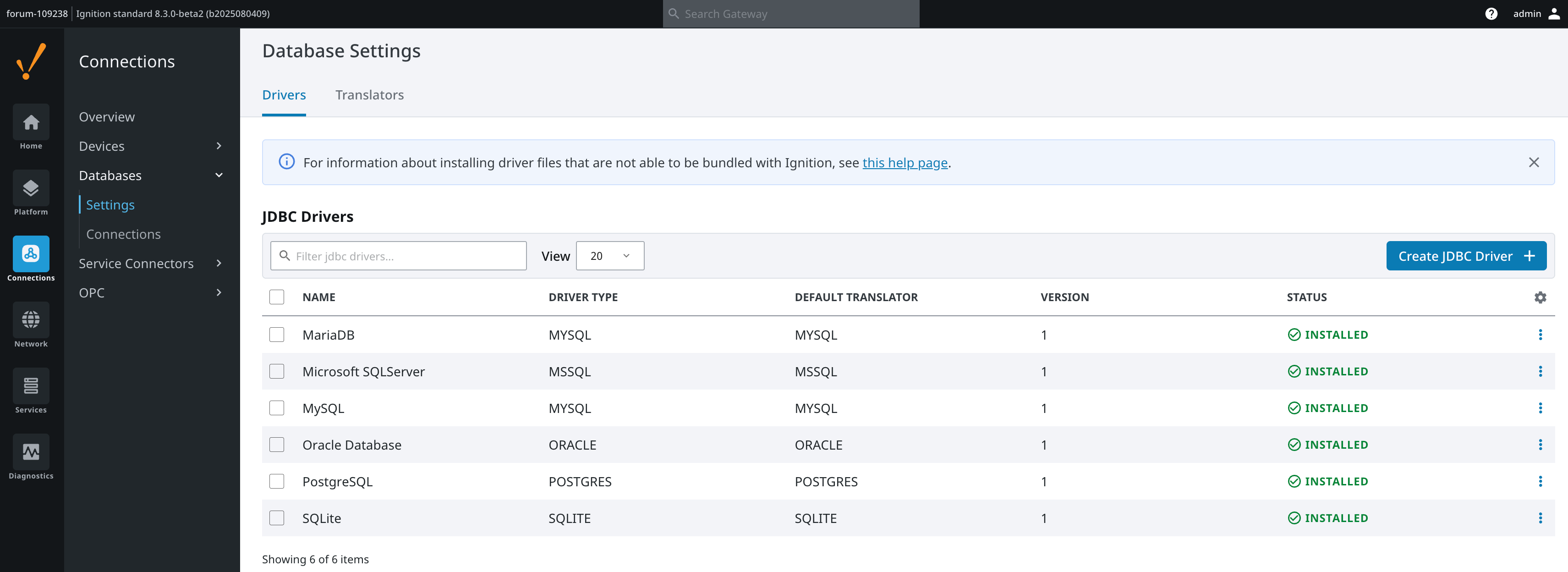
Can you share your compose file? That module should be available by default.
You will need to add the options @michael.flagler mentioned above.
Can you share your compose file? That module should be available by default.
You will need to add the options @michael.flagler mentioned above.
We are planning on making continuous improvements to the internal historian. Migrating the Audit Event and Alarm Journal data is on the long term roadmap.
100% my fault. used an old compose. Looks like the module list has changed significantly. It was just disabled due to the enabled modules flag.
Hello Kyle,
Is it somehow possible to expose port 8812 to another server? As I can now only read (and further analyze) the data from the localhost.
Or is there any other way to read the data from a different machine.
No, it is not possible to expose port 8812 externally.
Actually, I did get it to work by setting up a proxy. It is now possible to read the QuestDB historian data from a different server. Altough this looks like a nice sollution, we’ll have to wait and see how this impacts the performance of the read-actions.