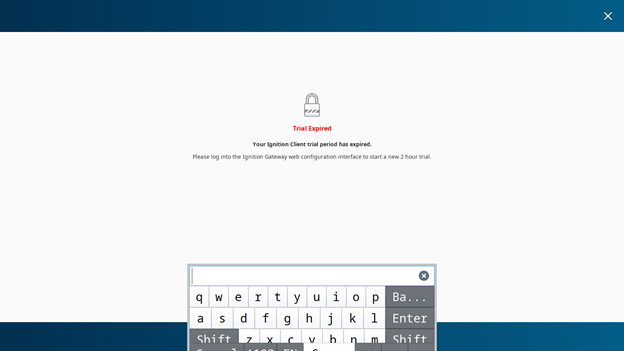
In Ignition Vision, when I click on a component that allows the built-in keyboard (such as a text field or other input component), the Ignition on-screen keyboard opens. However, it appears at the bottom of the screen, and I can’t see the content behind it — even when I’m using fullscreen mode. Is there any way to adjust or reposition it in the Vision ?