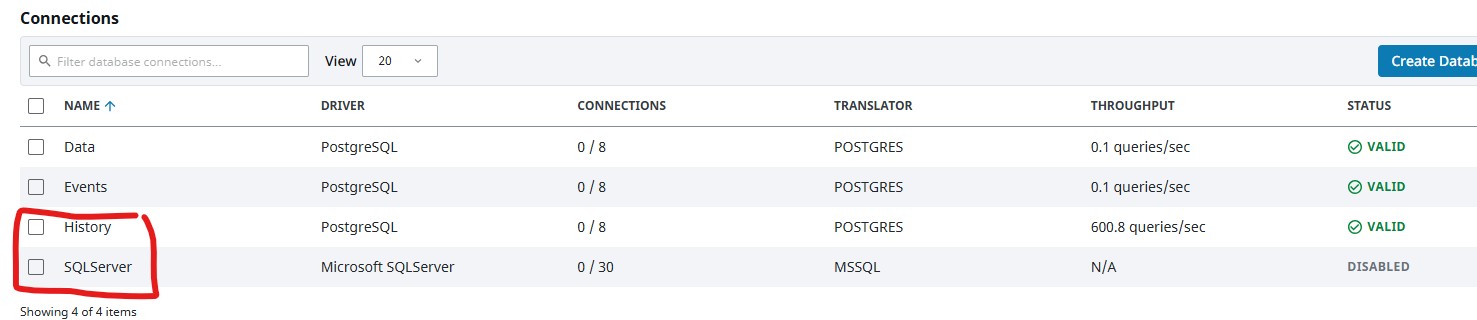
Hi All,
I am facing an issue after back populating data into the current month partition sqlt_data_1_2026_01 table.
Recently I migrated the site server from:
Ignition 8.1 on Windows 11 → Ignition 8.3 in Docker Container on Linux Server
Historian MS SQL Express 2019 → Timescale db Postgress in Docker Container on Linux Server
After the data migration all of the data from 2025 and earlier is viewable in the Historian Trends.
However for the current month/partition after doing a manual import into pgAdmin the data for the current month and when the server went live and started logging is not showing in the trends.
I have tried multiple gateway restarts to try get it to refresh the partition table.
The partition table itself looks good with the start and end time for the Jan partition lining up.
Is there some cache for the current month partition that I am missing?
Any help much appreciated.
An example of one of the trends below note the data missing between 1st Jan and when the server went live.