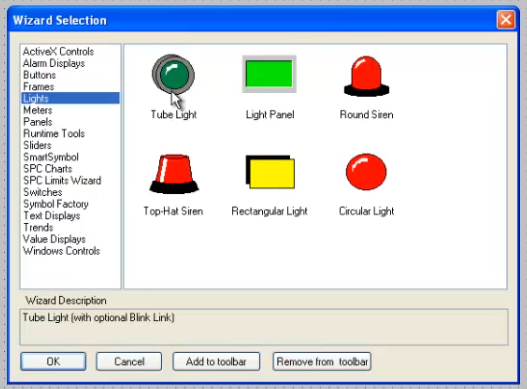
There’s no such thing as a LED indicator lamp on any form of SCADA. LED is a physical light source, SCADA exists on screens that display graphics.
If you need an image of an LED indicator that changes colour, use an image from symbol factory or similar.
If what you need is actually a circle with a colour and maybe a border that you can bind to tags, use either an icon or an SVG circle you embed in the view.
You can also use a label with equal width and height and add a border radius of 50% in the style and it will make a circle you can apply a background colour to.
Use the pre-defined theme colors wherever you can for consistency. To change the color on the LED create a binding on backgroundColor such as if({propertyOrTag}, '--success', '--neutral-50')
where {propertyOrTag} is a boolean value you want to indicate.
I've set the label to 32 × 32 px. Setting the border radius to 50% saves having to modify the radius values if the indicator is resized.
I really recommend that you create a Perspective style class for each indicator state and use that instead in the style.classes dropdown. It means that if you ever want to adjust the theme you only have to do it in one place and your whole application will update in one go. It's the way of the web.
Copy and edit the style for LedRed and LedOff. (You should consider not including the color in the style name. e.g., Use LedOkOn rather than LedGreen. That way when you switch to using white for 'running' as recommend by High Performance HMI standards your naming conventions will still make sense. i.e, The style class name should define its purpose, not its appearance.)
Here the indicator label's style class has an expression binding to a custom property controlled by the toggle switch. This is as explained in post #3.
Thats an elegant solution, I ended up using drawing tool and changed colors with a tag and transform which is worse, but if i need later on to I’ll change to what you have suggested.
One step further, split it into colours and the base led styling. Eg. Take the colour out of the base led styling to prevent duplication of styling (and therefore mistakes and modification hassle)