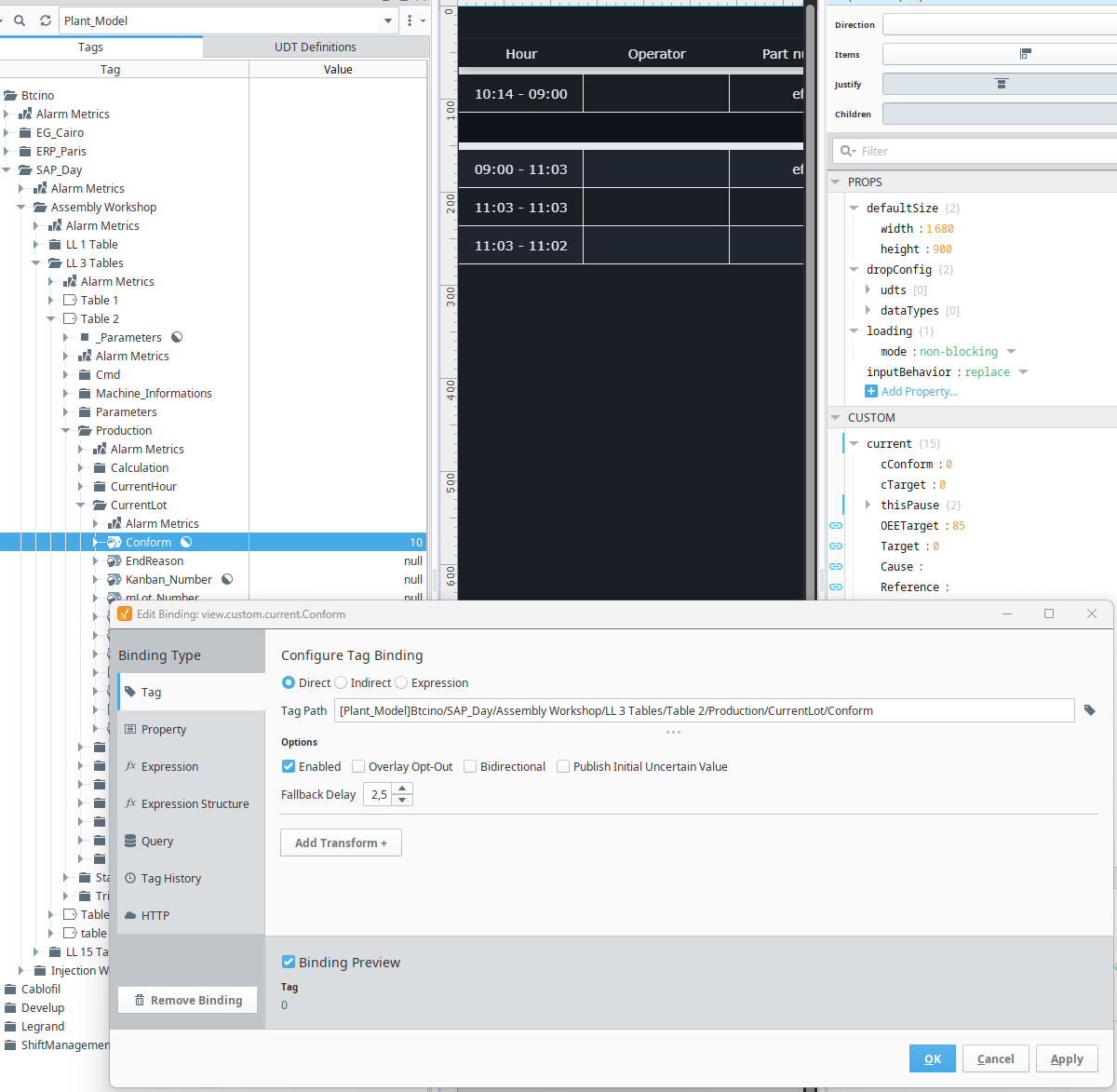
I might be encountering a bug with Query Tags in Ignition 8.3.1.
In our projects, we use UDTs across multiple plants, and inside these UDTs we have several simple Query Tags that read configuration parameters stored in a database.
This approach works correctly on most of our plants and most UDT instances. However, in some rare cases (like the example below), the Query Tag returns null, even though the query should return a valid value.
For example, here I am simply reading a parameter for a specific LineID:
As shown in the screenshot, the Query Tag returns null, but if I execute the exact same query directly in the database, it correctly returns the expected value.
After investigating, I found that if I modify the query to explicitly reference the tag value ({…LineID.value} and not {…LineID}):
then the Query Tag immediately returns the correct result.
For now I will probably add .value everywhere to avoid the issue, but I find this behavior surprising because:
This happens only on a few UDT instances out of ~30
Other instances using the exact same query work correctly
It appears on one gateway running 8.3.1
The lineID tag itself has Good quality and the correct value
My understanding was that when referencing a tag without specifying a property, Ignition implicitly uses .value, so both syntaxes should behave the same.
So my question is:
Is this a known issue or regression in 8.3.x?
Or is it considered best practice to explicitly use .value in Query Tags?
I don't see anything that exactly lines up with this, but I would encourage updating to 8.3.4 once it's available (should be as soon as this week) it's now available.
If you're still having issues after that, I'd say to contact support. Your expectation that .value should work (and consistently) is totally valid.
Adding .value itself is not a problem. The main issue is that it would require us to modify all of our Ignition projects for this newer version. At first glance everything seems to work correctly, but in some specific UDT instances this bug appears, which ends up creating unexpected and confusing behaviors for users in the application.
So it is difficult for us to reliably detect where this issue might occur, but as soon as I click on “Restart tags” in the designer in the folder that is causing the problem, the error disappears.