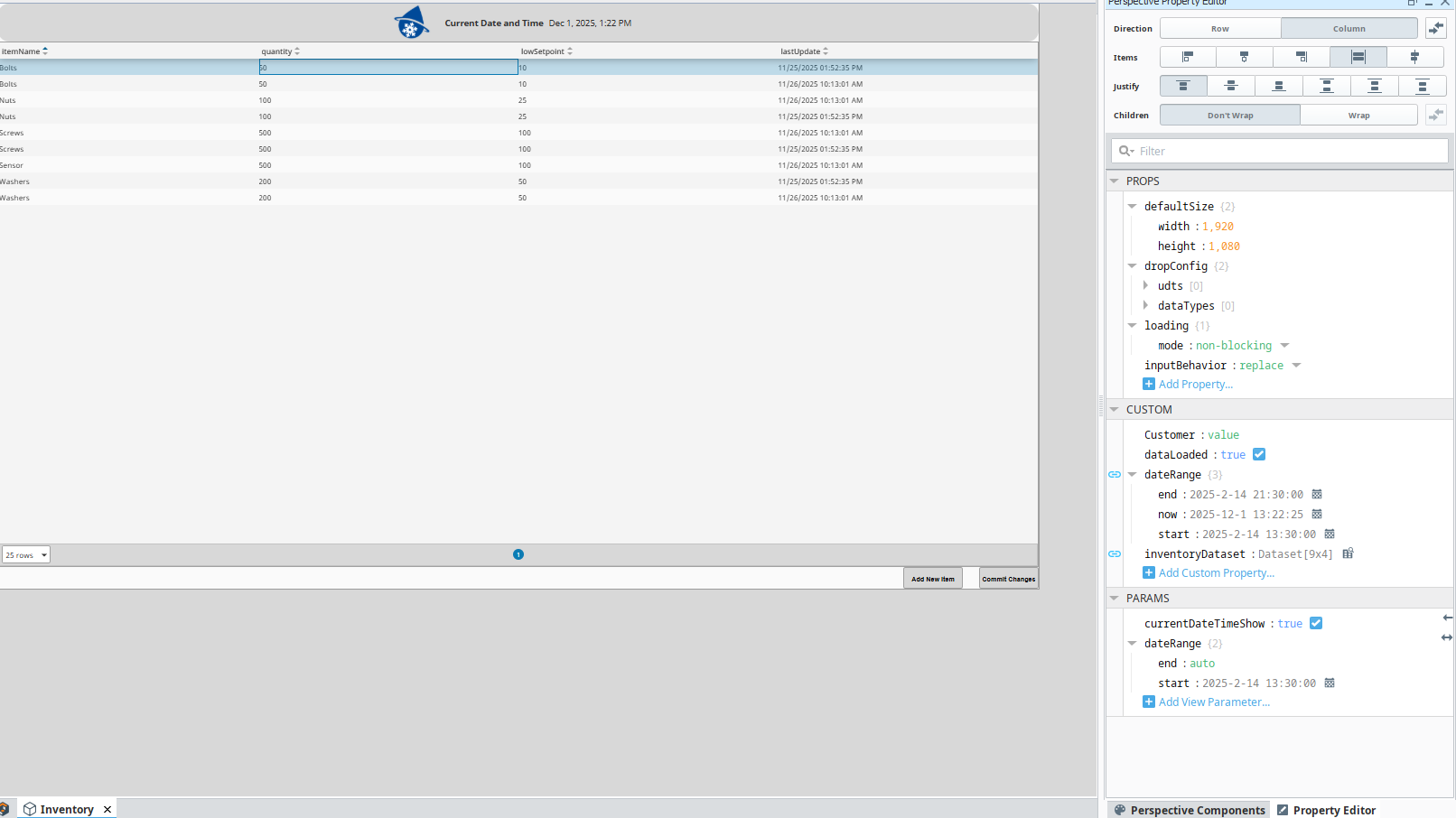
I am trying to have a table display a table from database. With the table component in perspective i should be able to edit cells and then press a button to commit the changes I made to the database. However, my table is editable, I am able to edit the number but as soon as press enter to confirm my edit or click out of the cell it reverts back to the previous value. I will attach screenshots with the current setup. Hoping someone has ran into the same issue and has a solution.
Table setup:
Table populates from startup script
Startup Script:
Worth noting that if i change the values in the property editor, on props, it changes my table correctly.
You need to configure your onCellEditCommit event script on the table to write the data back to the table and/or the data source for the table. If your script only writes to the original data source (db) you'll need to remember to pull the new data into the table.
Also, screenshots are great for context, but please also post copies of code as preformatted text. It helps to speed up the troubleshooting process by others. Please see Wiki - how to post code on this forum.
Welcome to the forum.
First, I would bind the query to the data property and not use a startup script. When you edit a data source like this, you have to implement a database update to write the change back to the database; otherwise, it will continue to "rollback" since the source is not being edited.
I usually create a custom property that the edit cell event adds an entry with the primary key of the row edited, the field name that was edited, and the new value. Then when you commit the edits, you grab the changes list, loop through it, and run system.db.runPrepUpdate() to update the DB.
This would be best as a library script where logging and auditing can be added as well. You might consider wrapping it up in a DB transaction so the changes can be rolled back on any update errors.