Using 8.1.25.
I have a report where in some data keys I do translation of terms before they go onto the report so the report text box just takes a @someDataKey@ which will be the appropriate language based on a parameter.
I am leveraging the translation manager to handle this but some things are not looking right. Here is my translation for one term from English to french -
But here is how it comes out on the report - the accented letters all look very wrong
Any idea on how to fix this and make it look correct?
This is a classic text encoding symptom. Is this only in the final PDF output?
I see it like the above in the report designer, Report Viewer componet and when saved to pdf/printed.
One thing to note which is it seems like the translated bit tat looks wrong is in a <html> tag which I suspect might be at play here.
How are you doing this, exactly?
One way to get this to happen seems to be the classic Jython 2 missing-u-prefix on literal strings:
def updateData(data, sample):
	data['a'] = "String valuèeéê"
	data['b'] = "<html>String valuèeéê"
	data['c'] = u"String valuèeéê"
	data['d'] = u"<html>String valuèeéê"
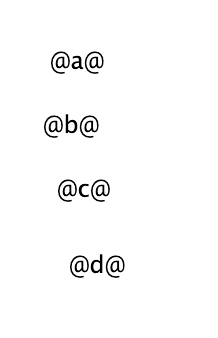
Which yields: